Reviewing Test Results | VIAVI StrataSync
0:44
Description
Related Videos
In this video, we will show you how to review test results in VIAVI StrataSync.
View More
View Less
Related Videos
In OTDR
-
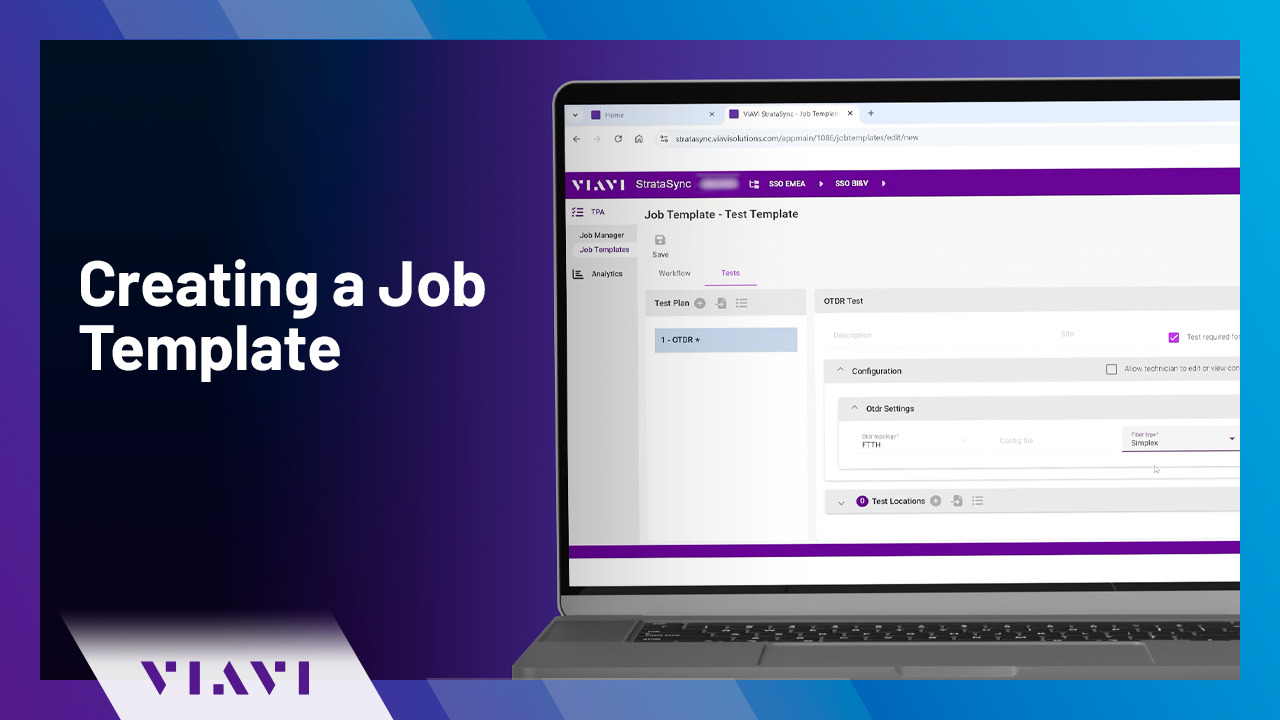
Play video Creating a Job Template | VIAVI StrataSync
Creating a Job Template | VIAVI StrataSync
Follow these simple steps to create a Job Template for use on VIAVI OTDRs - making it faster and simpler than ever to complete your fiber testing.
0:53
-
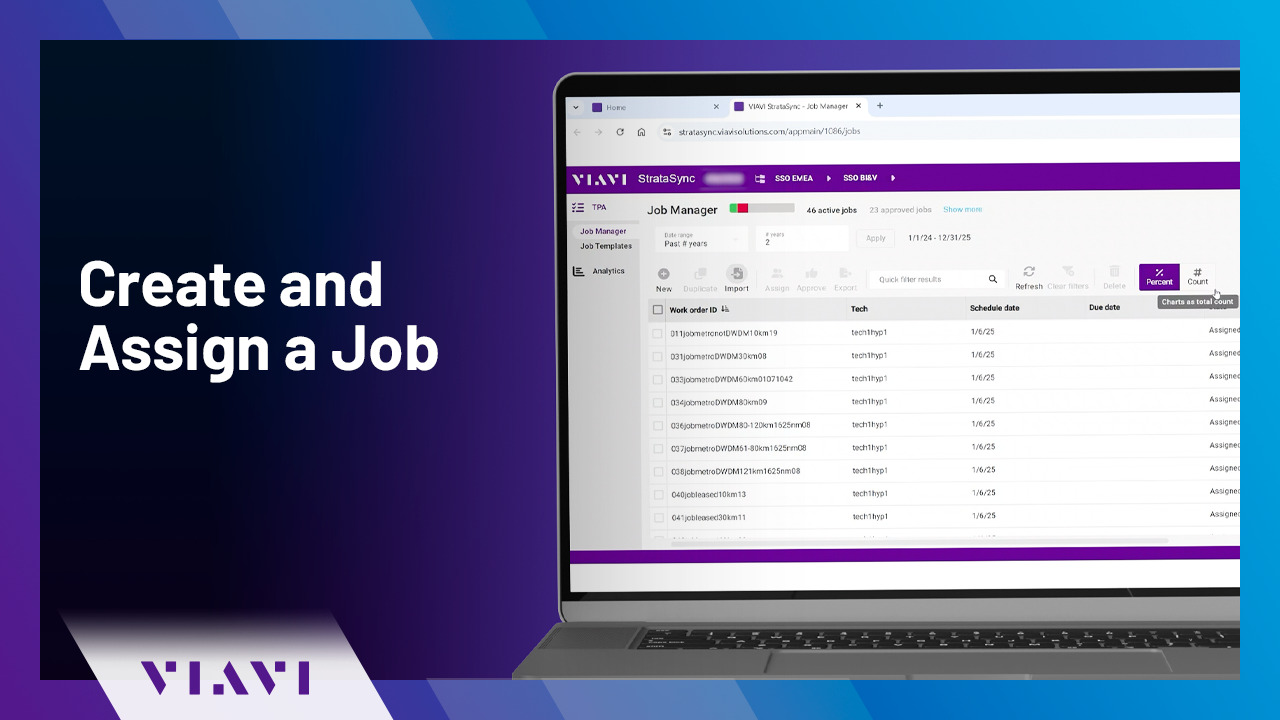
Play video Create and Assign a Job | VIAVI StrataSync
Create and Assign a Job | VIAVI StrataSync
Follow these simple steps to create a job in VIAVI StrataSync using a CSV file or one of your Job Templates saved in the cloud. This video will also show you how to assign a job to one of your field technicians.
1:36
-
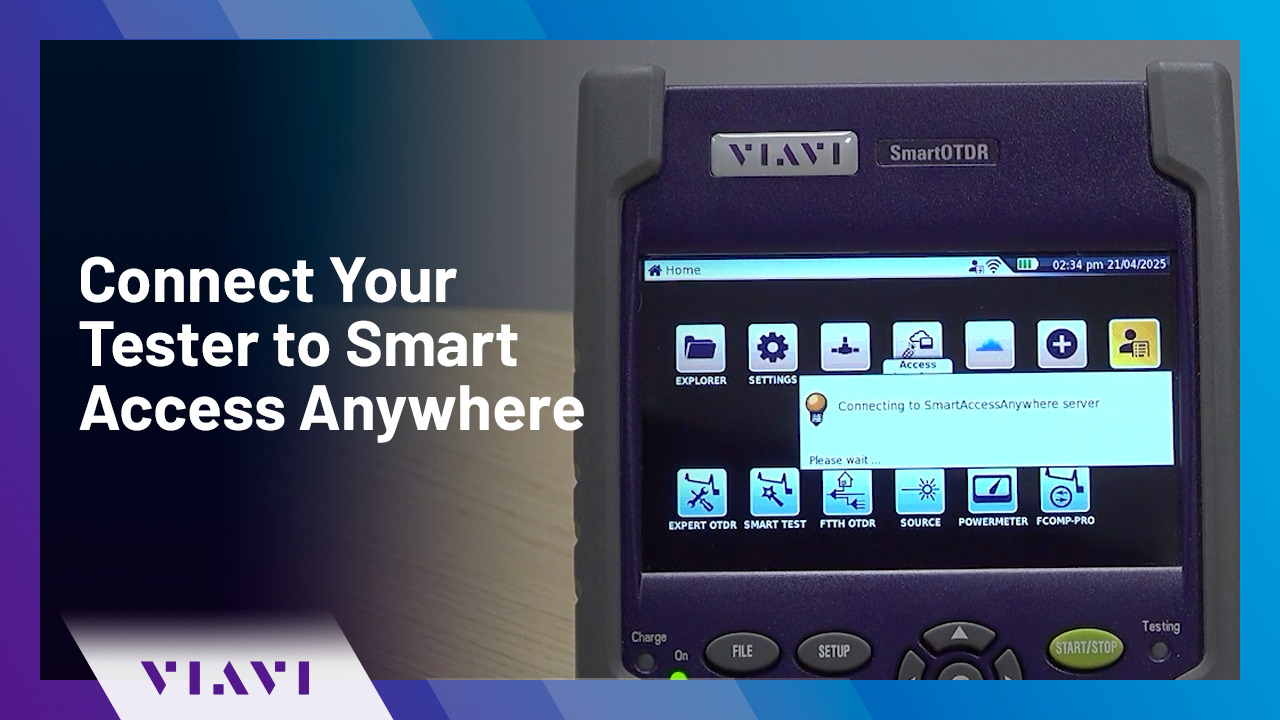
Play video Connect Your Tester to Smart Access Anywhere | VIAVI StrataSync
Connect Your Tester to Smart Access Anywhere | VIAVI StrataSync
Follow these simple steps to connect your VIAVI tester to Smart Access Anywhere on PC, tablet, or smartphone.
0:44
-
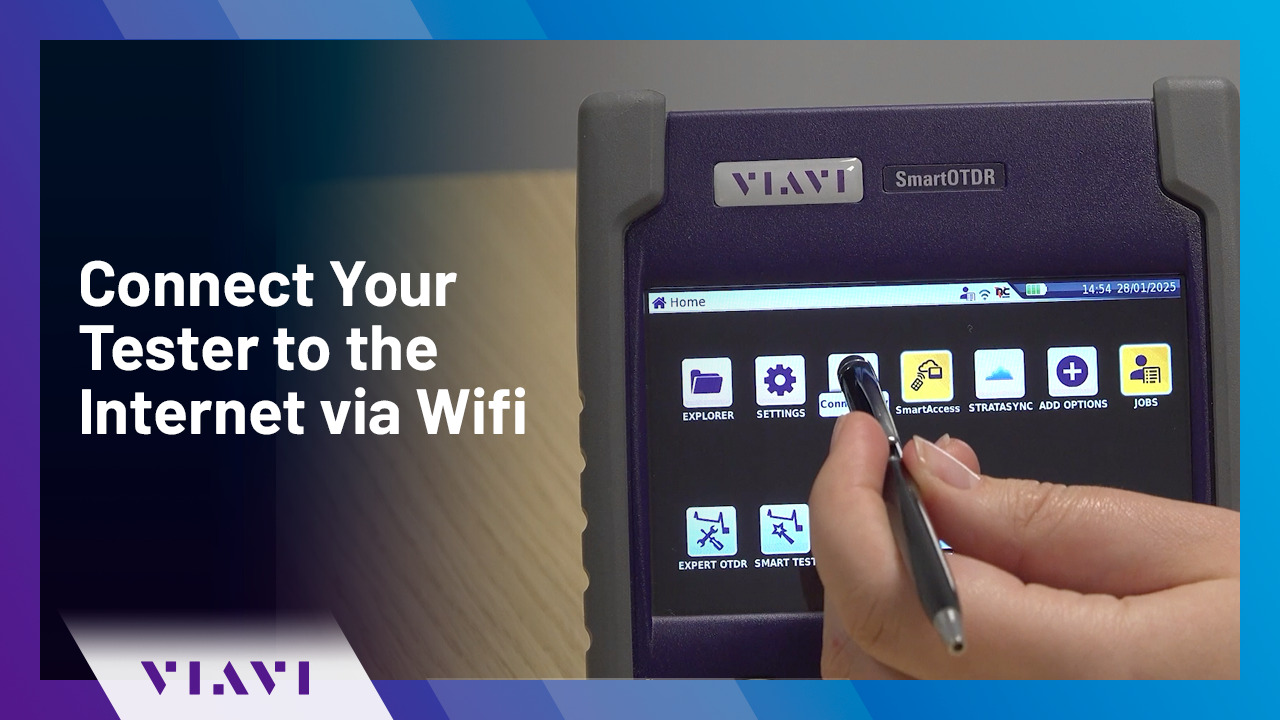
Play video Connect Your Tester to the Internet via Wifi | VIAVI StrataSync
Connect Your Tester to the Internet via Wifi | VIAVI StrataSync
Follow these simple steps to connect your VIAVI OTDR tester to the interview via Wifi - enabling you to connect to VIAVI StrataSync.
1:08
-
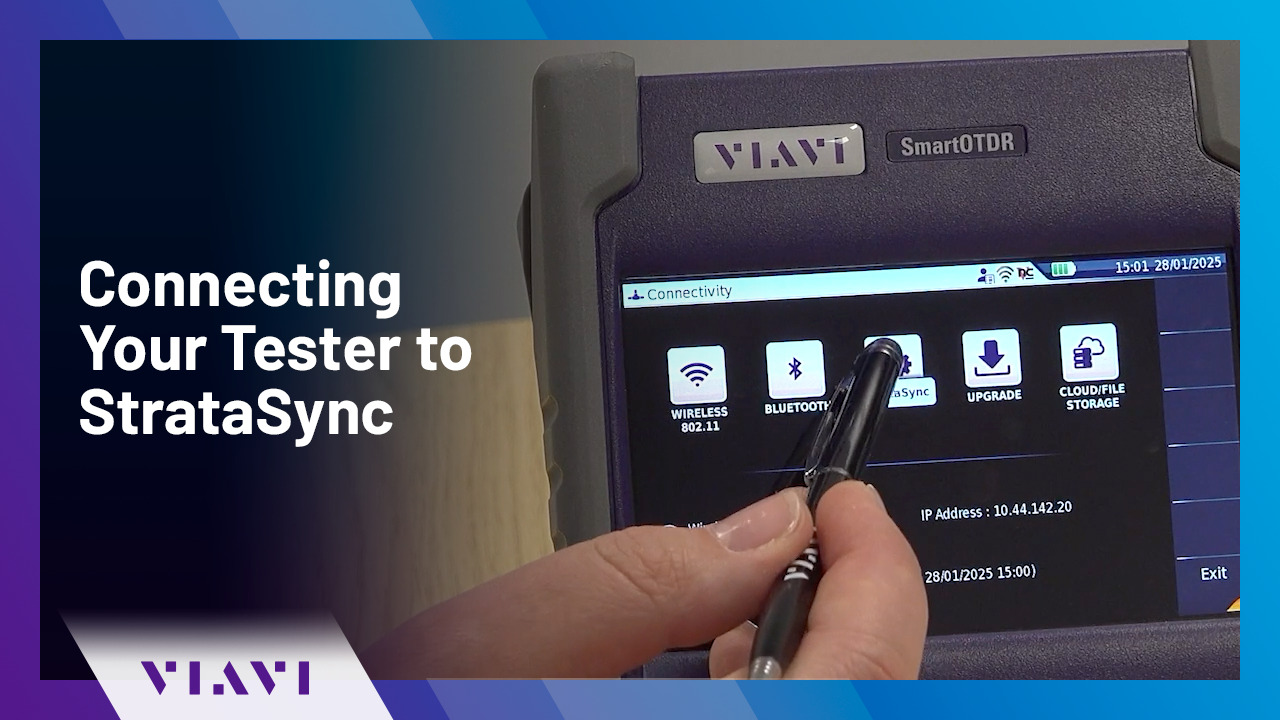
Play video Connecting Your Tester to StrataSync | VIAVI StrataSync
Connecting Your Tester to StrataSync | VIAVI StrataSync
Follow these simple steps to connect your VIAVI OTDR tester to the StrataSync - to create and assign jobs, review results, and manage your devices.
0:48
-
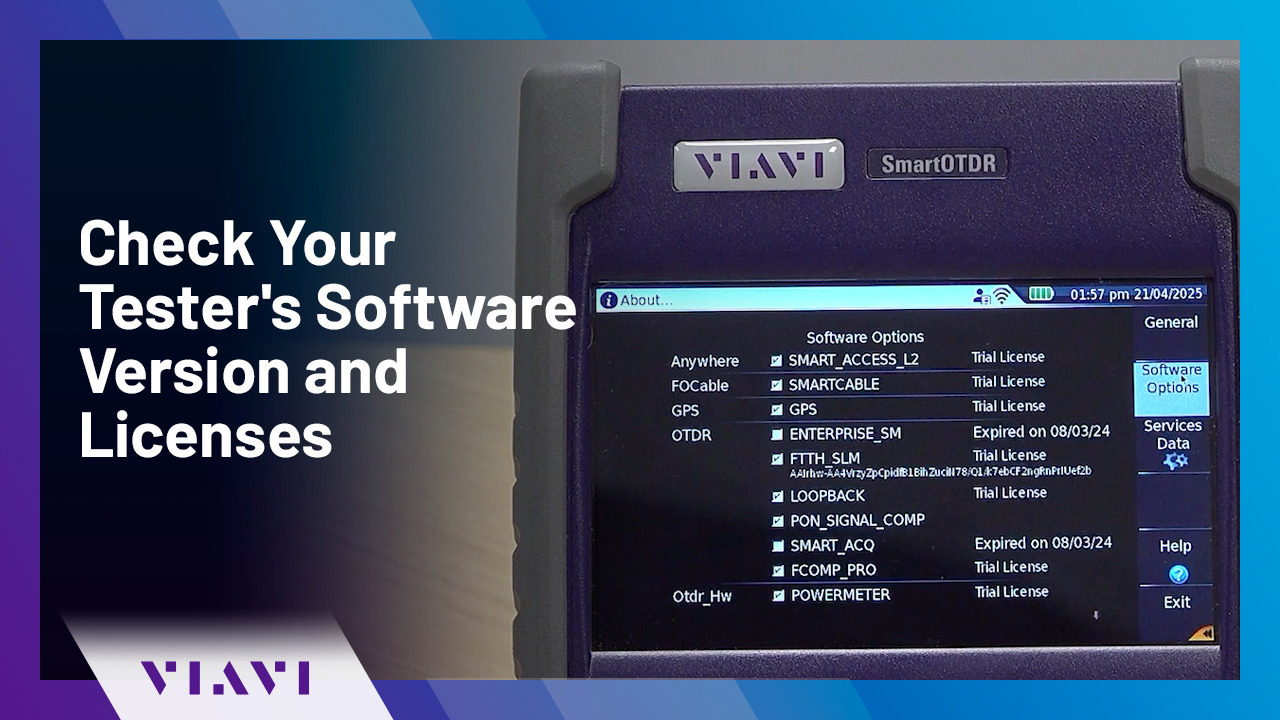
Play video Check Your Tester's Software Version and Licenses | VIAVI StrataSync
Check Your Tester's Software Version and Licenses | VIAVI StrataSync
In this video, we will show you how to check the software version and licenses installed on your VIAVI tester.
0:34